If you have not pre-selected an automated data feed super fund you can still manually Add/Edit client transactions, including 'Ghosting' of transactions based on the Super Fund/Wrap account administration details.
To do this you need to click on the Edit Transactions ICON to the right of your page
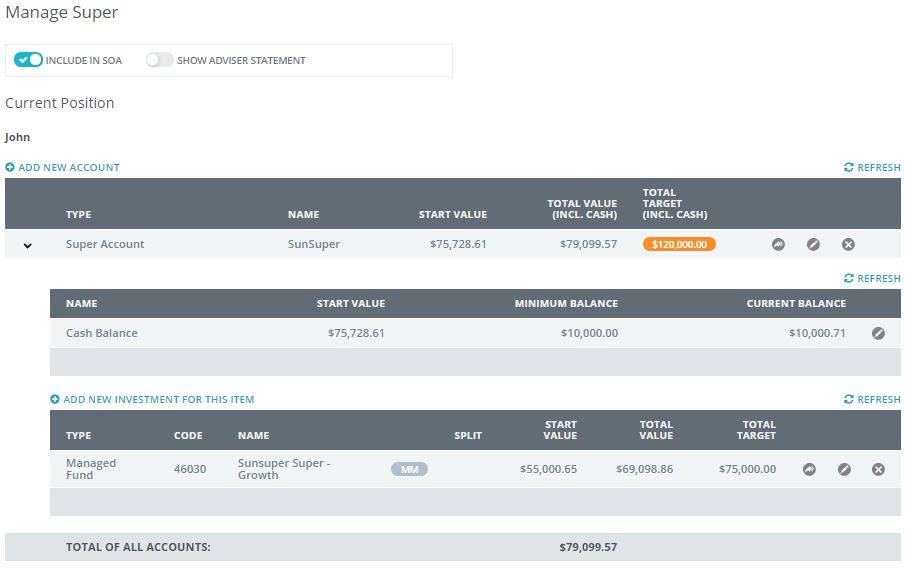
The Edit Transactions ICON looks similar to two curved arrows in flight
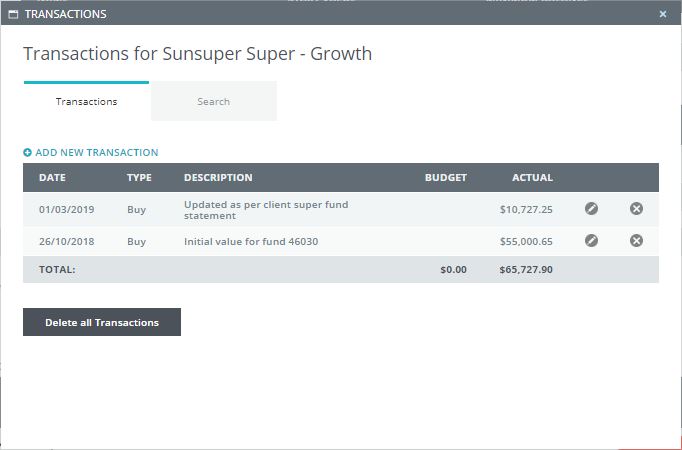
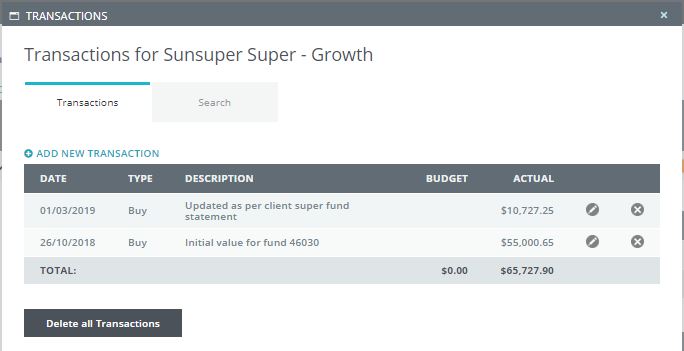
When you click on this ICON a new window appears
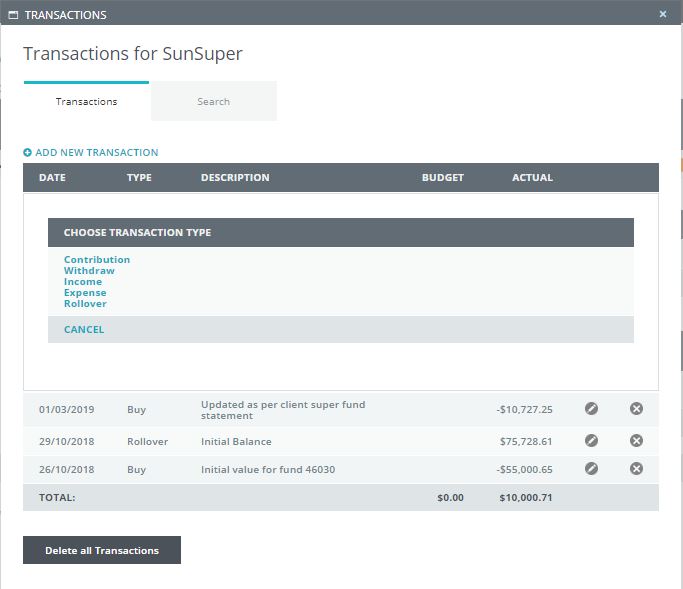
Next, select the "Add New Transaction", a new window will appear
You then need to select the Transaction type
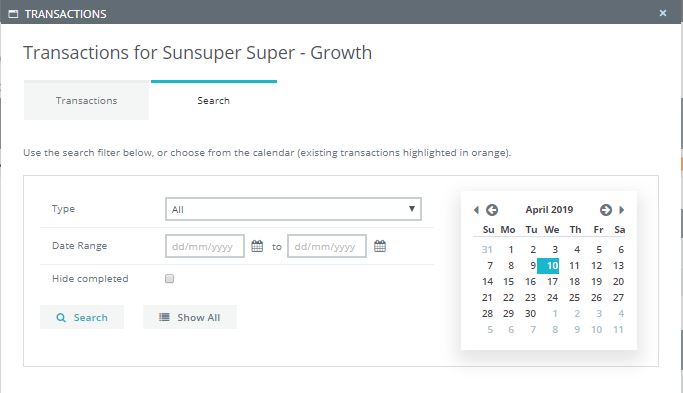
Within here you also have the option to search for a transaction
Finally you can delete ALL or Single transaction
0 Comments