From your Fact Finder the system instantly generates a Snap Shot of the client's position, including past performance, historical outline, Fund managers expectations and underlying investments.
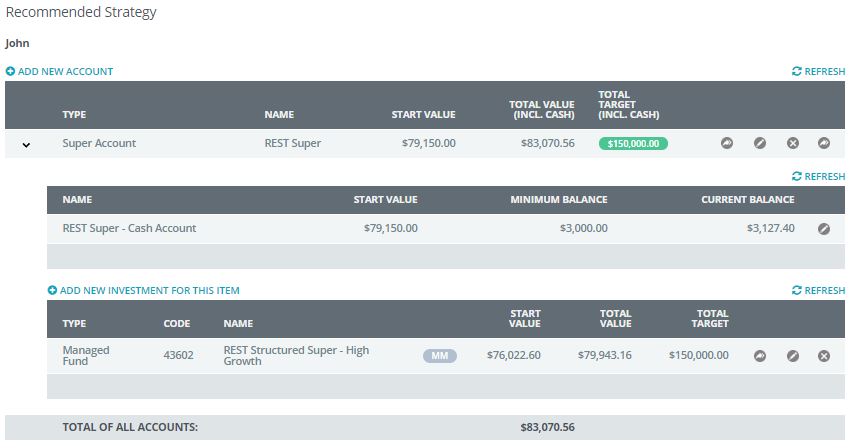
Once you have been able to review the client's file online you may like to consider an alternative strategy.
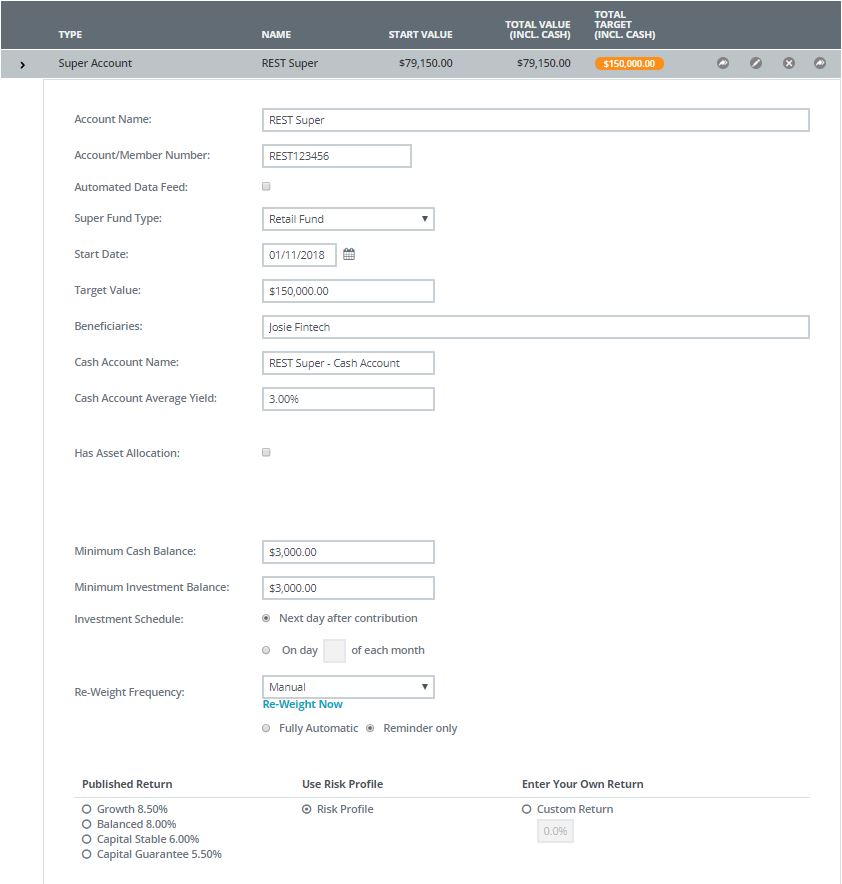
To do this you use the same process for Editing/Adding funds;
- Choose the Superfund Type
- Select underlining investment options
- Select dollar amount or percent of contributions
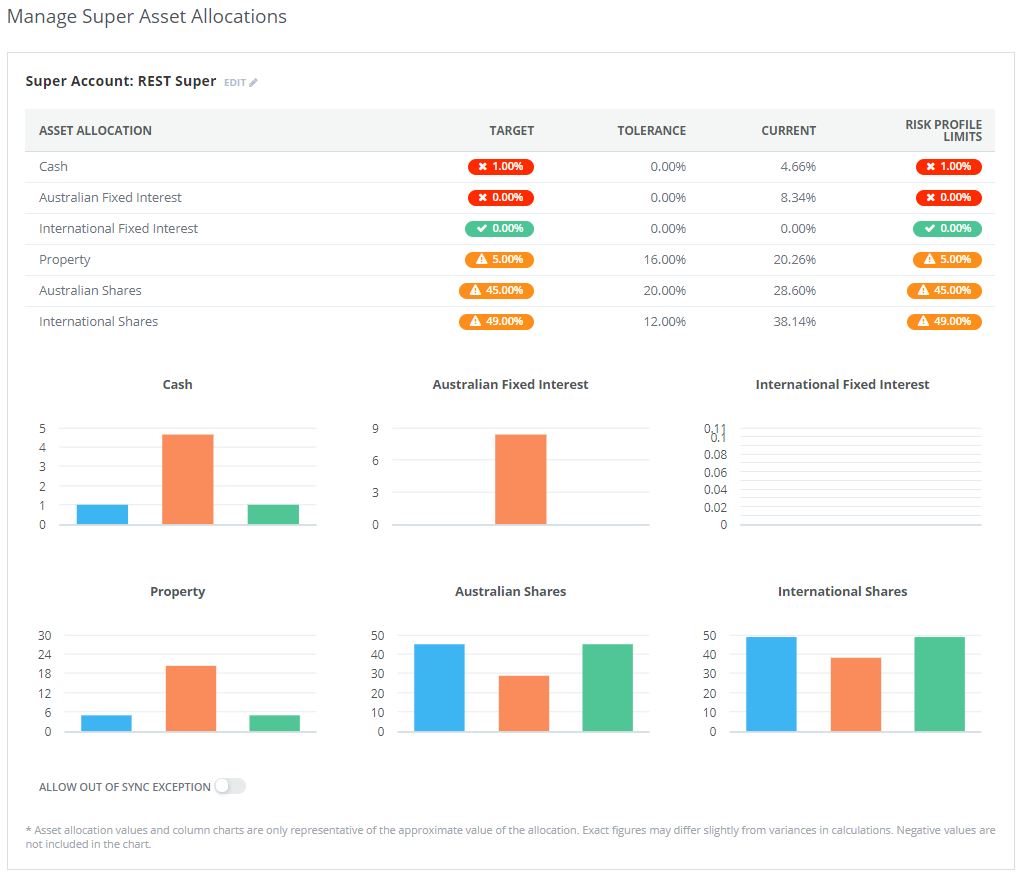
- Define Model Portfolio option (if required)
- Set Target Performance of Fund or Investment (if required)
0 Comments