Within Hero360 each user has a role assigned to them;
- Compliance
- BDM
- Paraplanner
- AFSL Admin
- Office Admin
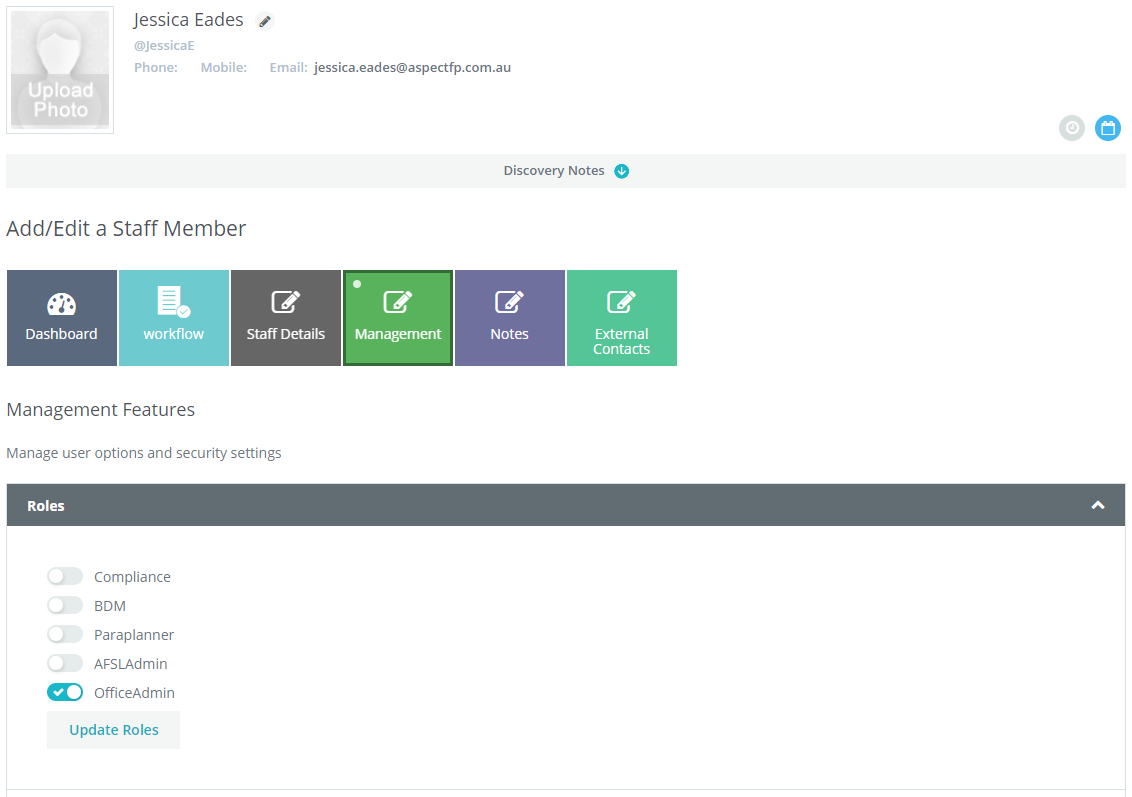
Within each role is a higher level of system access and file access.
There is no restrictions on how many roles you wish to give one individual.
To edit a role, select the management tile in the dark grey area of your dashboard, then select the Management Staff tile, search for the staff member and click on the edit icon.
Next select the staff members Management tile, then select the Roles drop down arrow, the staff members current roles will be displayed in a drop down list.
To change the roles simply click on the appropriate roles and then select the Update Roles button.
0 Comments