
The system allows for the interaction and execution of client actions in relation to their status, income, expenses, retirement goal, insurance and personal budgets.
You will always know if a client has activated or entered the Portal by three ways.
On the right hand side of the dashboard screen is a Client Login display. This tells you who and when they entered the portal. If you rollover any of the client names in that Login section it will tell you the date that they entered the portal.
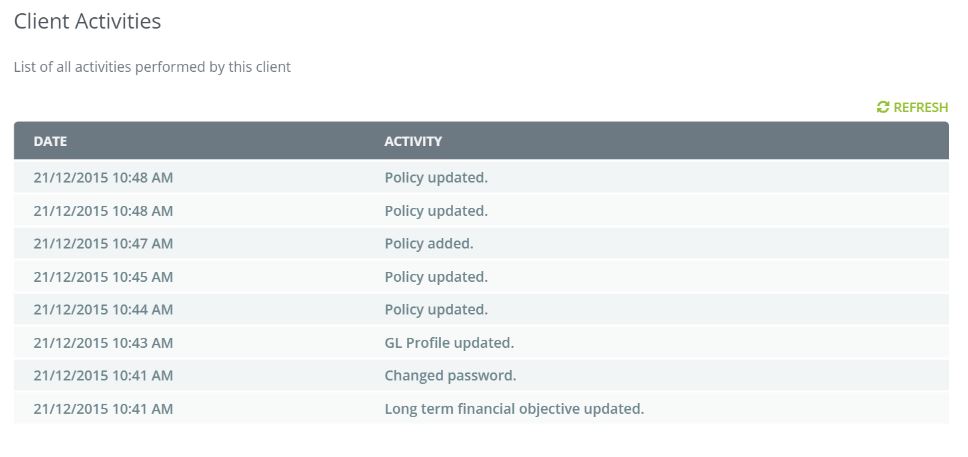
Your next indication that a client has viewed or altered their position is within the Client Activities Tab on your Dashboard - this will display what the Client actually did when they logged in.
Finally you can also click on the Activities Tab within the Clients File and this will give you a complete picture on what actions the client has taken.
Important Note:
Ant action by a client that requires an interaction by an Adviser is instantly notified to the Adviser.
For example- Client changes their Retirement Goal, the system re-calculates the contribution strategy required and forwards that request to the Adviser for actioning.
0 Comments