You will notice that within the main Apps is two clear fields;
- Current position
- Proposed strategy
Here you see the current status of your clients position, including latest fund performance and a range of pre-selected data feeds so you fully understand your clients position
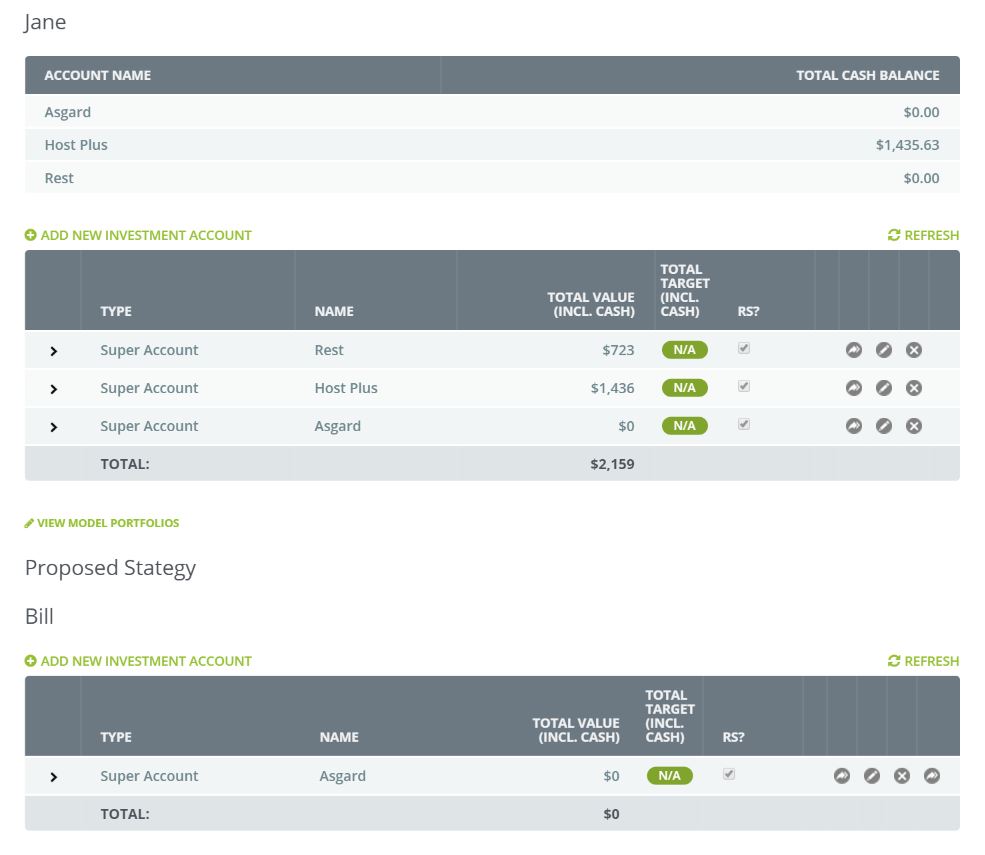
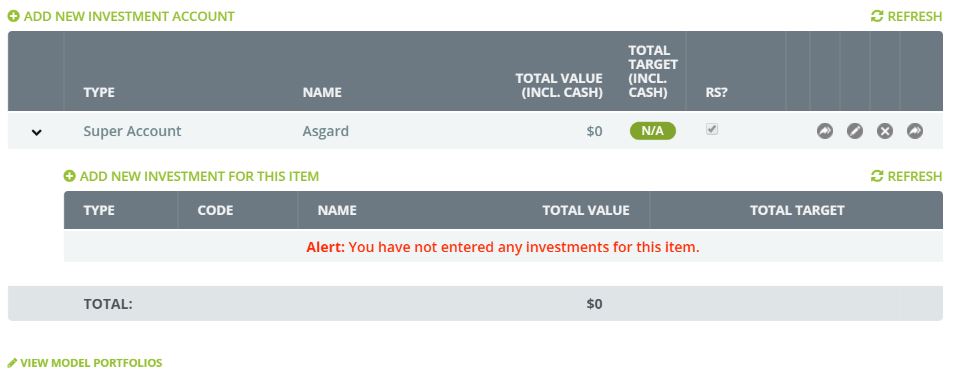
To propose a new strategy simply click on 'Add New Investment Account' this works in relation to Superannuation, Trust or Investment companies/type
In this example we are referring to Superannuation however, the same process works for all Investments
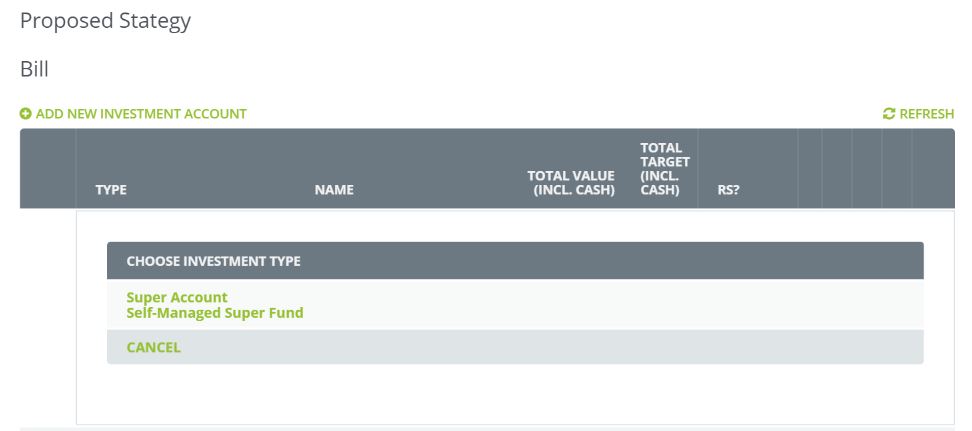
Select the type of fund you are proposing
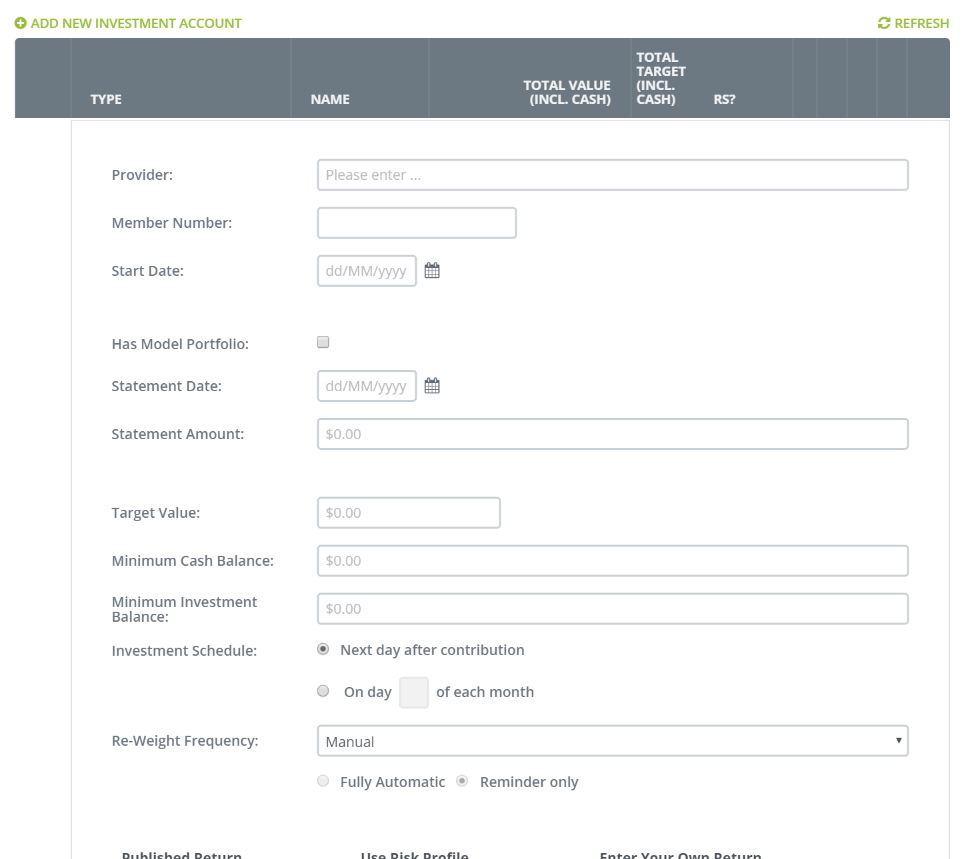
Next complete the information as requested on the page, including how you would prefer the fund to be forecast, remember to set a target fund balance you are seeking to create with this fund.
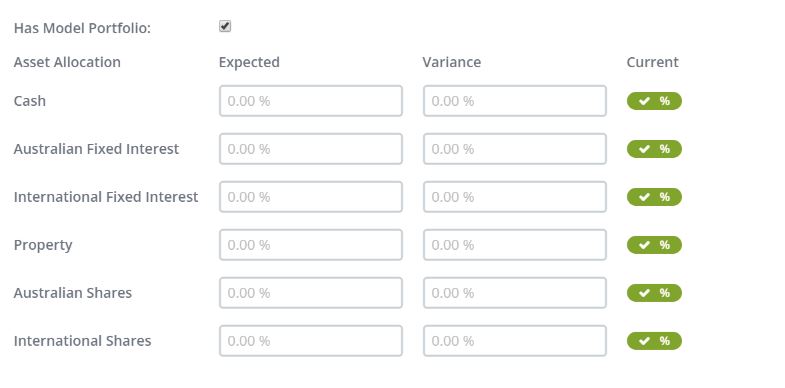
If you decide to create a Model Portfolio for your click, simply click on the 'Has model portfolio' toggle to display your options here.
You are now ready to provide the underlying investments for the Super Fund
Remember to click on Confirm to save your data.
0 Comments