When you are writing an SOA you have two options to author the document.
1. Free text, as you would in any word document
2. Use the QuickTEXT option.

QuickTEXT as the name suggest is an instant Compliance confirmed Text centre and knowledge sharing centre within the system.
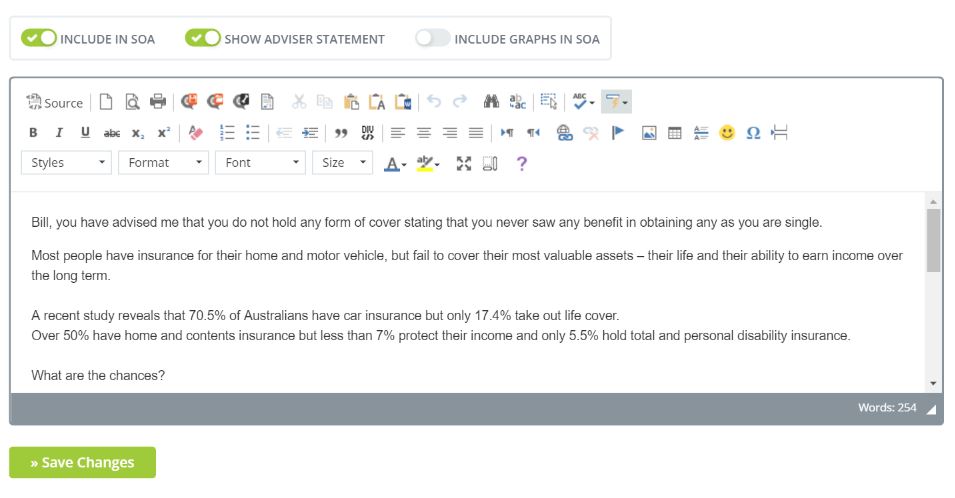
You can access this option whenever you see the SOA tabs and click on 'Show Adviser Statement' this Tab expands to allow you to write your free text and also use QuickTEXT.

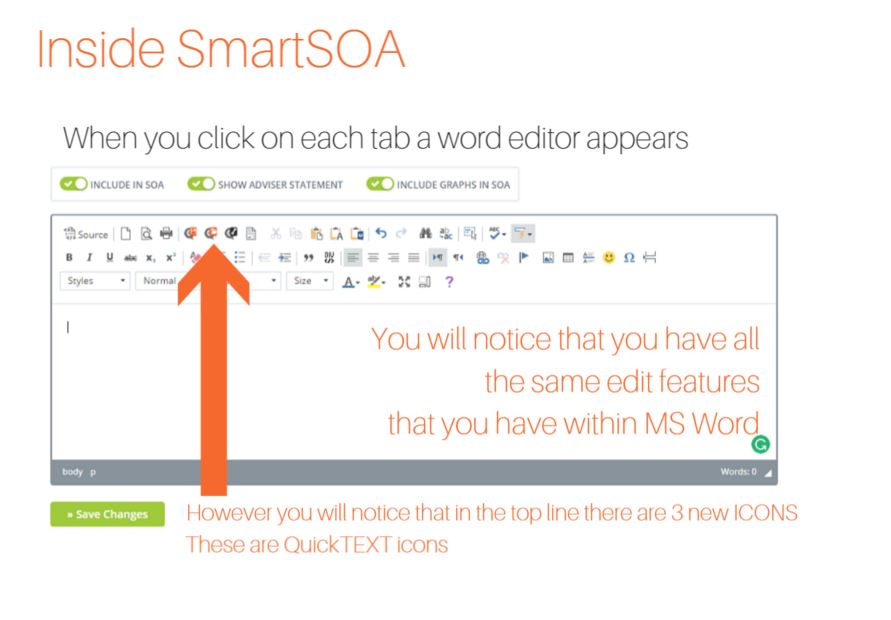
When you click on the Tab you will be greeted with the same options as found in leading word processors so you will feel comfortable with the ICONS.
Any time that you use QuickTEXT it will take you directly to the category of Apps that you are wanting to write an SOA for.
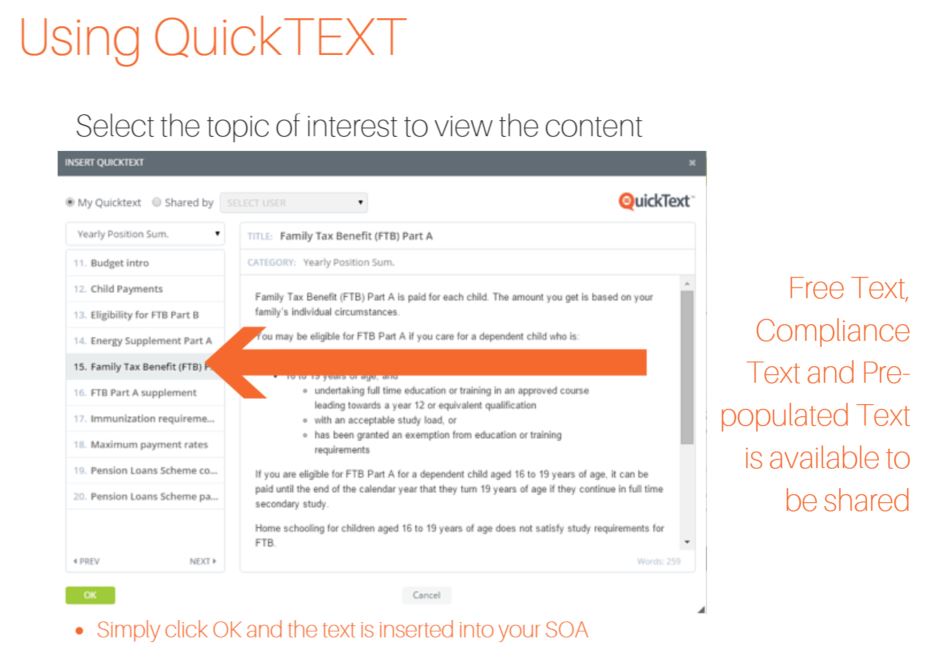
To access QuickTEXT App text simply click on the QuickTEXT ICON.
The range of Text options is forever growing and you have the option to share any original text that you create with members of your staff or AFSL.
0 Comments