Managing client objectives is the key approach to serving a solid client relationship.
It is the reason why the client has engaged with you

To view the Financial Objectives of your client simply select the client file, the financial objectives summary of the client will display at the top of the page along with other personal client information.

To edit the Financial Objectives of your client simply click on the Fact Finder tile located to the right side of the clients details summary.
When you select the Fact Finder tile you will be taken to the clients Express Fact Finder. Then simply select the Financial Objectives tile and update as required.
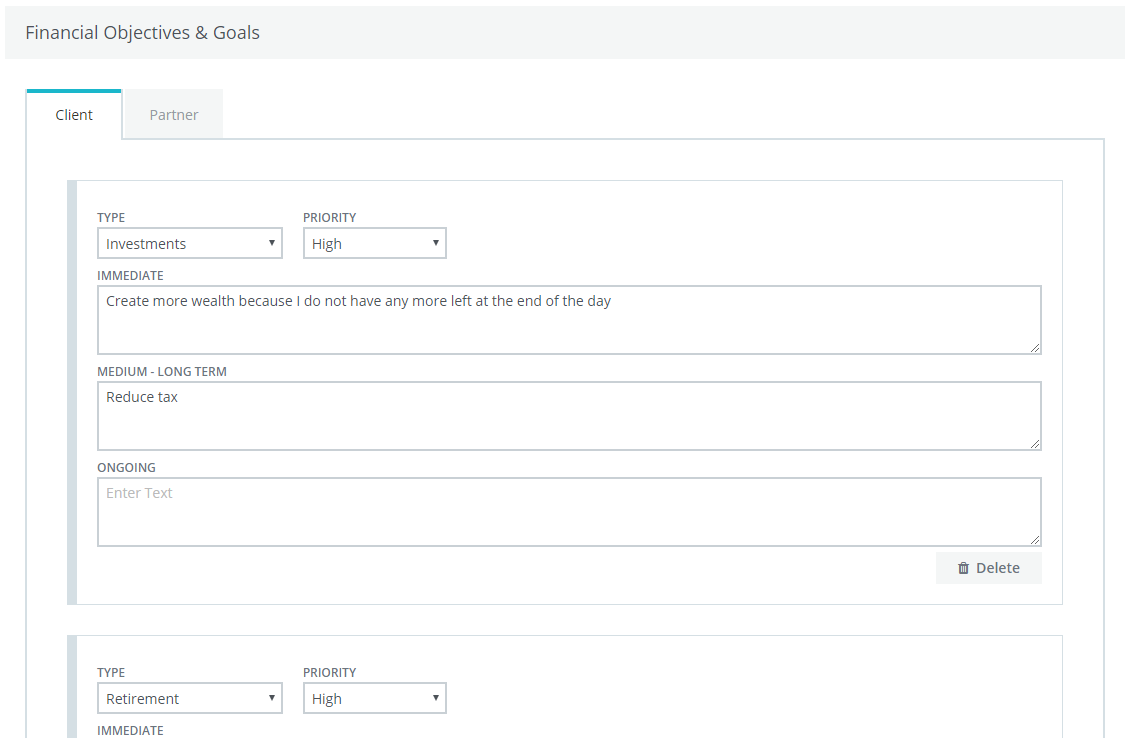
Next click save, your clients Financial Objectives summary will display the changes.
0 Comments