The system allows for unlimited addition pictures, graphs and images to be inserted into your SOA.
To do this simply follow the prompts on the SOA web page:
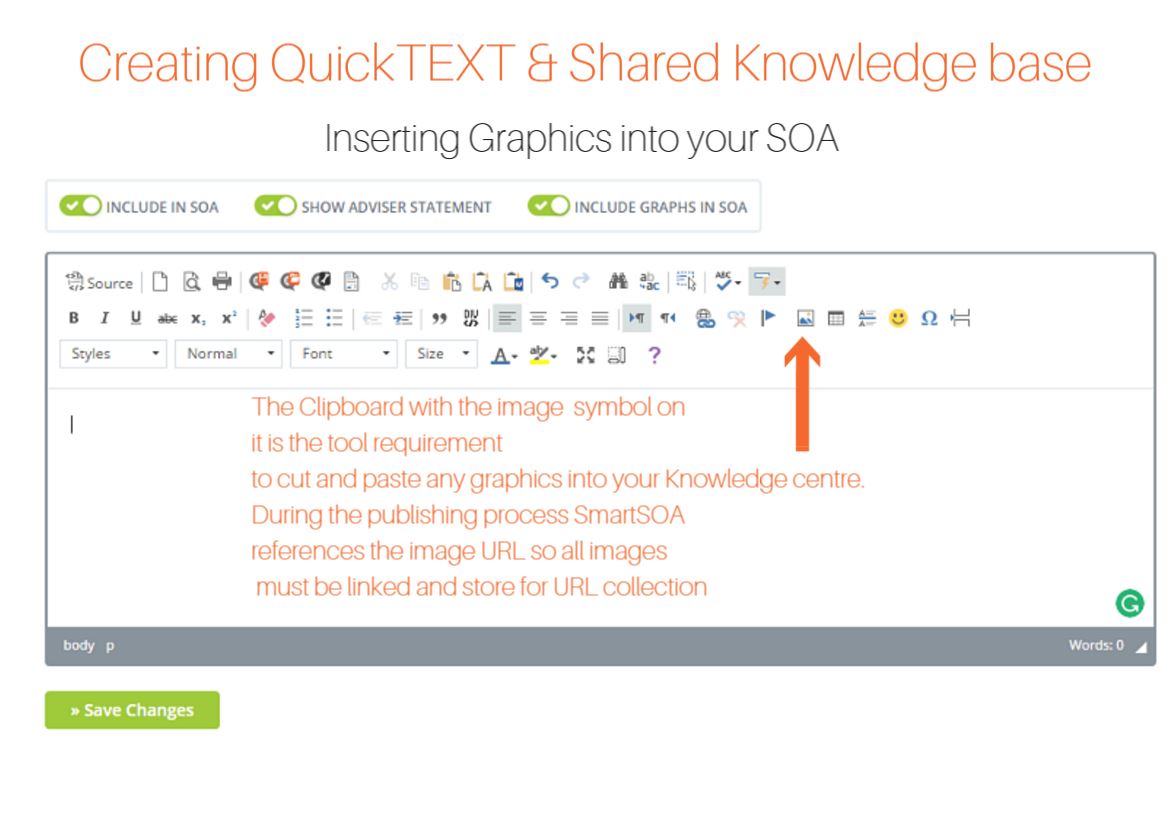
Note: When publishing or viewing of the document images, pictures or graphs you must insure that you have stored those documents online and have the URL linked back to the system.
For more information on this search 'hosting pictures, graphs and images within this portal.
0 Comments