In designing the system we studied the improvements in browser technology to ensure that you can enjoy optimum performance.
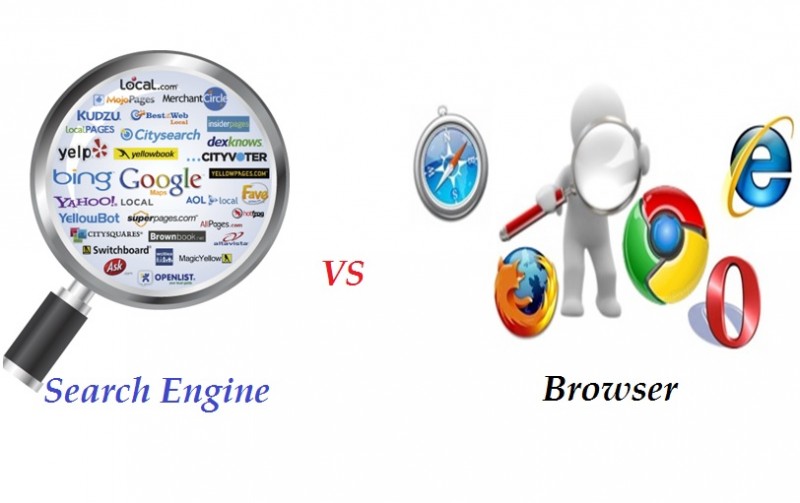
Although the system will work with ANY browser it is recommended that you use Google Chrome on PC or MAC.
Google Chrome, is by far the most used browser which accounts for over half of web traffic, followed by Safari in a distant second place. Internet Explorer comes in third, with Firefox fourth. (Note that Chrome is no longer supported on Windows XP and Vista. Strictly speaking, it will be supported until April 2016, but Google recommends you upgrade your OS.)
Why you should use Google Chrome.
Previously we had reviewed the top six web browsers, bench marking them for speed and rating them on features. The problem with that approach was that all of these browsers are updated constantly, meaning that those reviews quickly became outdated. And that’s why we’re not offering benchmark results here.
We considered the following browsers
|
Chrome |
Firefox |
IE |
Safari |
Edge |
Opera |
Google, Mozilla, Microsoft and Apple also add, change and remove features in those regular updates, so on the odd occasion, a feature which was a reason to use a particular browser would vanish overnight.
Even if a browser is better than its rivals because of performance, security or features, they’re all free and there’s no limit to how many you can install or run at the same time. So while many would agree when we say that Google Chrome is the ‘best’ web browser, there’s nothing stopping you from using five or six different browsers.
Advisers all use multiple browsers on a daily basis. Those running Windows mostly use Chrome and Firefox most of the time with IE or Edge when necessary, while Mac users will use a blend of Safari, Chrome and Firefox.
And all of these browsers offer decent performance and compatibility. They all offer to save your passwords and aside from Internet Explorer (and to some extent Microsoft Edge) they will sync your data, favorites and tabs between multiple computers and devices so you can grab your phone and carry on reading where you left off on your laptop.
They all support extensions and add-ons so you can add specific features, shortcuts and widgets, with the exception of Edge which still doesn’t have this capability.
What we wanted was web transaction speed and Chrome is by far the best performer in this area, for this reason we only recommend Chrome on either PC or MAC machines.
IMPORTANT NOTE
If you use I.E we only support I.E. 11, if you use earlier versions the page design, layout and outcomes may be impacted.
0 Comments