To add an investment you need to first;
- Decide what type of investment it is and add a new Investment Account
- Decide if it is Stock, Managed Funds & Asset, you may also link a liability to the investment options for Gearing purposes.
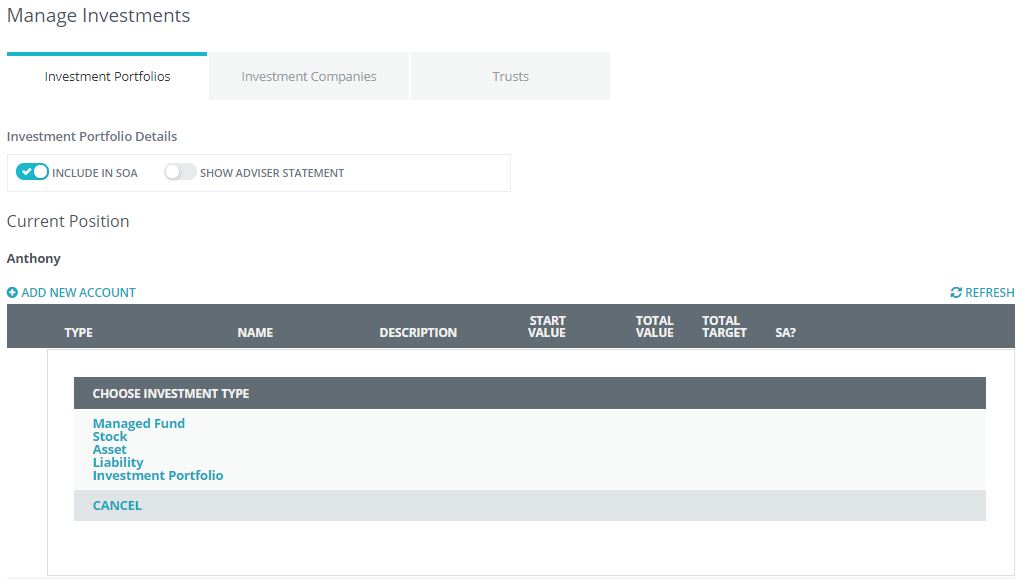
In the following example we have selected Stock as the type of Investment.
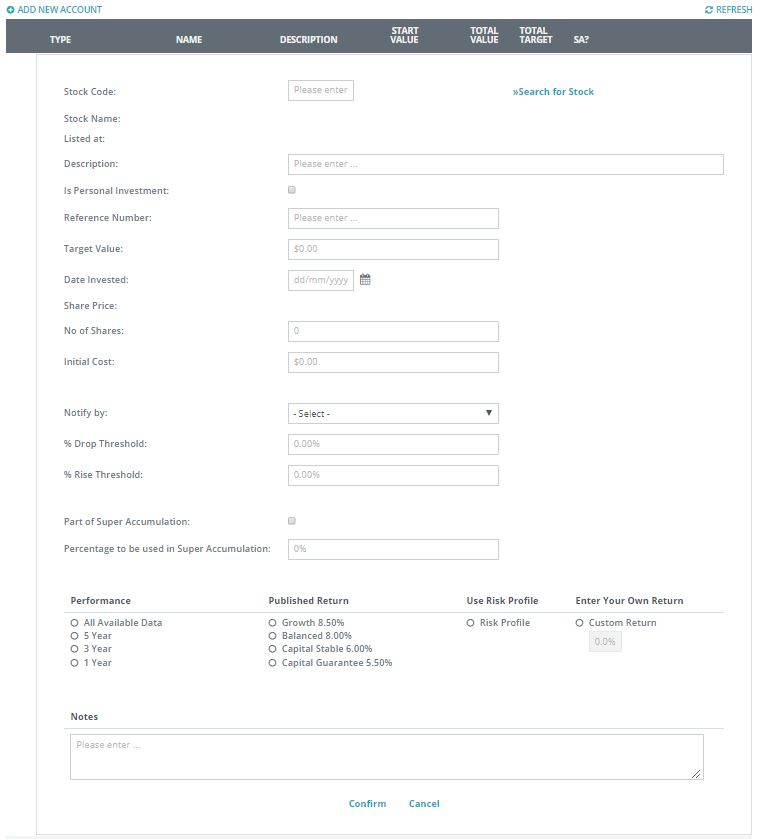
- You now can enter or search the Stock Code for your client
- add a Description of the Investment
- is it a Personal Investment
- Reference number
- Target Value
- Date Invested
- Part of Super Accumulation and Percentage to be used in Super Accumulation
Note: The system will recalculate the share value based on the date the investment was made.
- Number of shares held
- Initial cost - (Note this can be auto calculated using date purchased or volume)
- Percentage Drop - this is used for Flagging of an investment for future opportunities
0 Comments