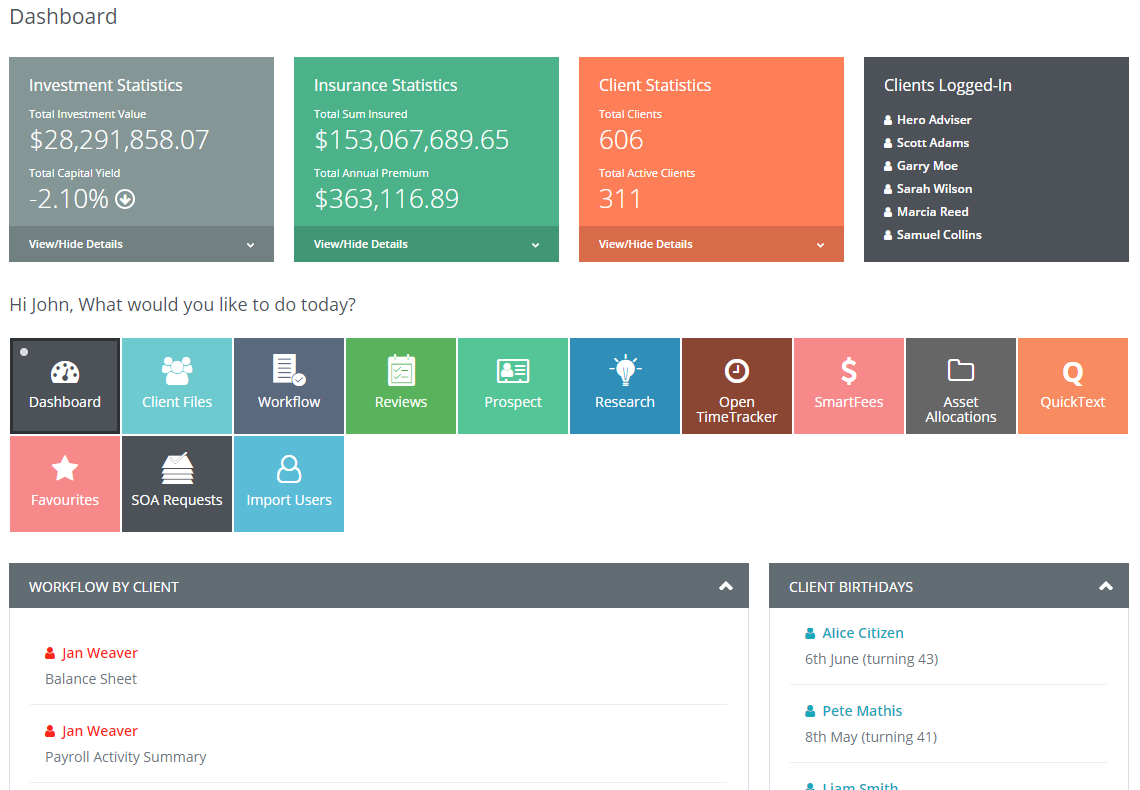
The system Dashboard view is a full range of client, adviser and supporting staff actions.
Within this single view you can
- Check Investment performance of the practice
- Check Insurance overall client position of the practice
- Check Client position and compliance position of the practice
In addition to this you can
- View in real-time the practice actions
- View in real-time individual staff and Adviser actions
- View in real-time workflow of Staff & Adviser
You also can view
- Client birthdays
- Client Anniversaries
You will notice on the left side of your page is a single column that contains the last five recent clients.
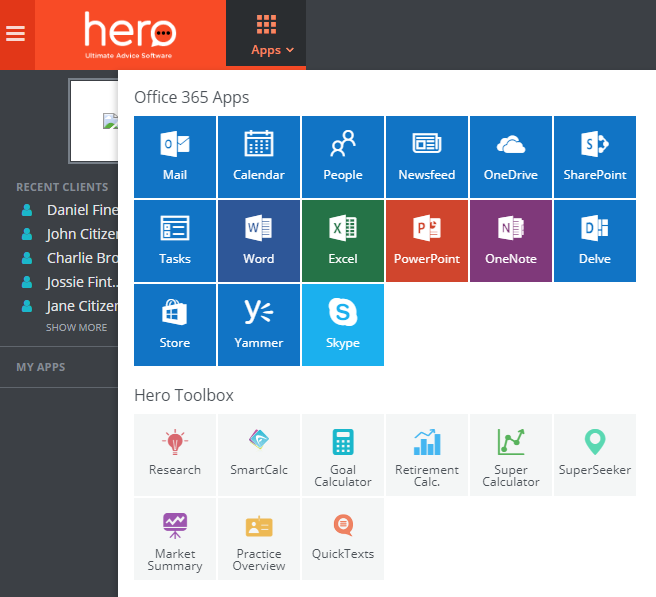
At the top left side of your page is an Apps tile that contains Office 365 Apps short cut and the Hero Tool Box. The Hero Tool Box has a range of tools and advice links that make the process of creating advice fast and effective.
0 Comments