In the Investment comparison page you have the option of unlimited fund comparison however managing the amount of room you have to display items may be an issue depending on the device that you are using.
To optimize your viewing screen we built a number of simple to use control viewing tools so you can work in a more productive fashion.
First is the actual design layout.
You will notice once you have selected the funds to be compared the page layout compiles the funds across the viewing area of your device.
It will display the following;
1. Funds
2. Equities
3. All: Sync view
4. the total number of investments you are comparing

One of the important features that will make your research easier is the Sync option that we provide.
This option allows you to complete one command and have ALL funds that you are researching conduct the command in unison
For example you may only be wanting to view and study Asset Allocations of each fund, by clicking on Sync you only have to act on one fund for all funds to perform in Unison.
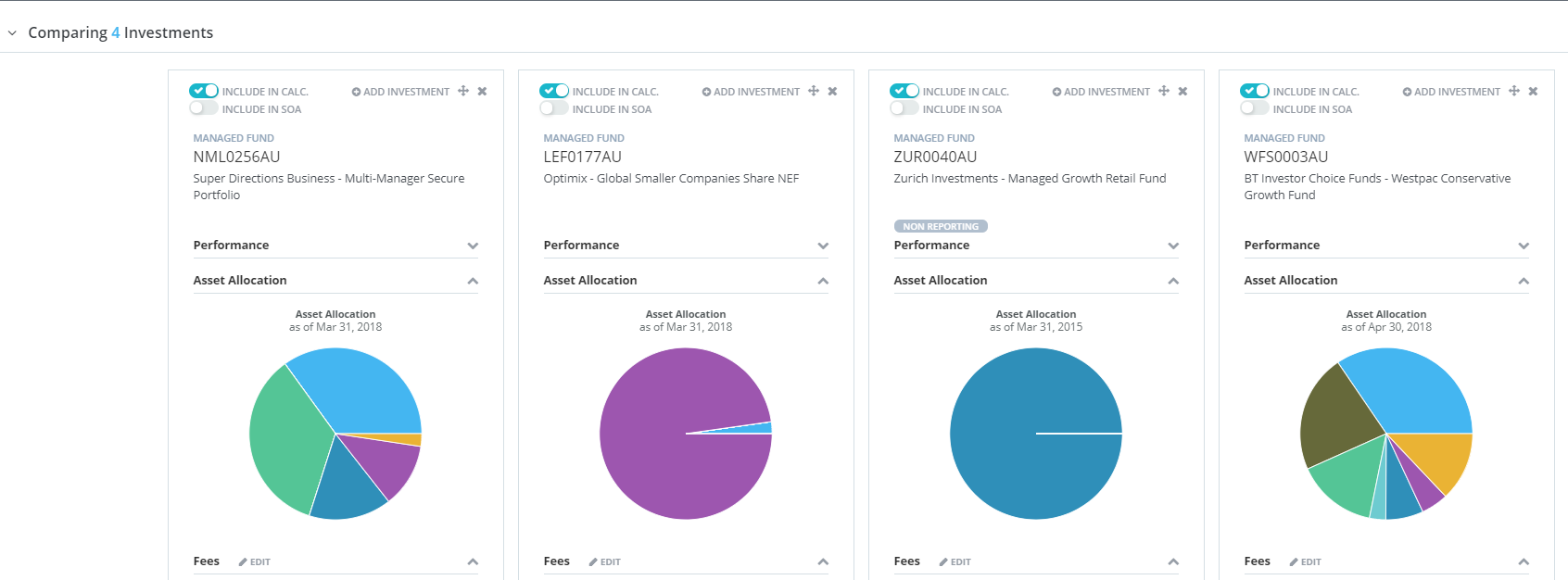
To individualise your research you can un-sync the tool and move funds from one position on your screen to the next.
By clicking on the ICON next to the 'Add Investment' tab you can move that fund from one part of the viewing screen to another part, so as to visible display a side by side comparison.
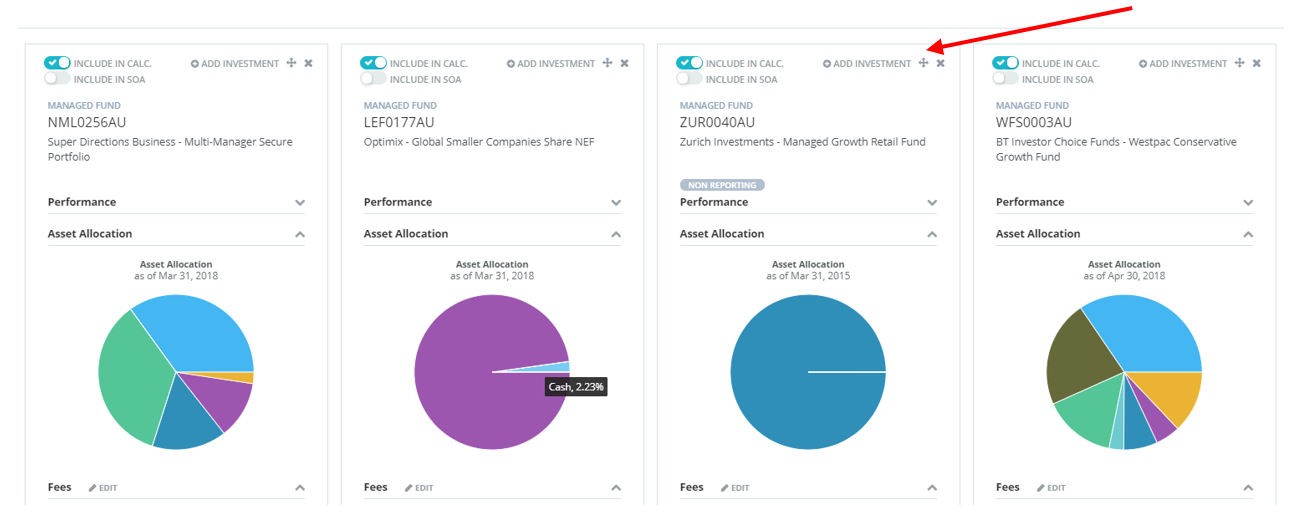
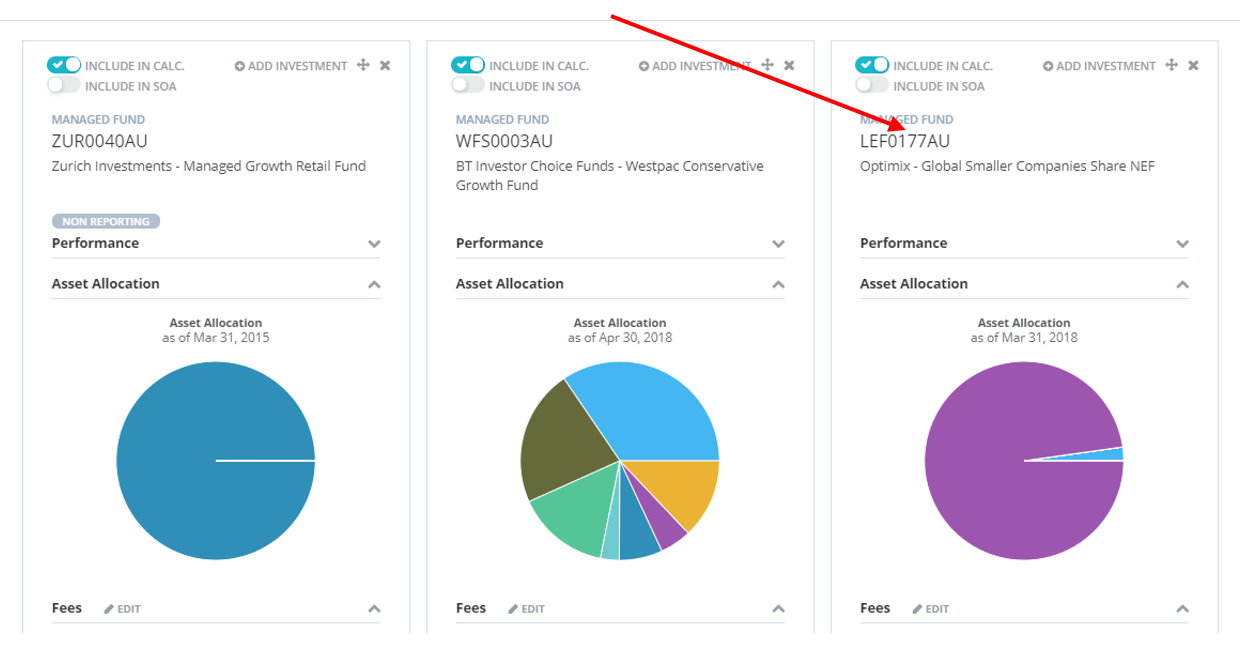
You can see here we have moved LEF0177AU to a new position so as to conduct a side by side comparison
0 Comments