Within the system you are able to compile a list of 'Investment Favourites' that you can quickly research and save.
You will notice on the Dashboard view you have a Favourite Tab, to activate your list of Favourites or to Add an Investment as a Favourite, clicking on this Tab will display the full page of Investments you currently store in your Favourite folder.
To Search or Add a favourite, simply enter the Code or Fund name in the Search bar and then the results of your search will be listed below.
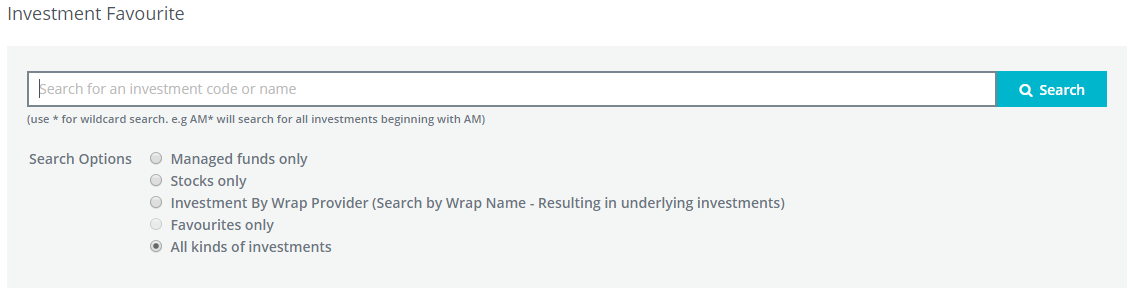
You will notice that you have complete access to all types of Investments.
For this example we have selected Seek as our Preferred Investment Equity.
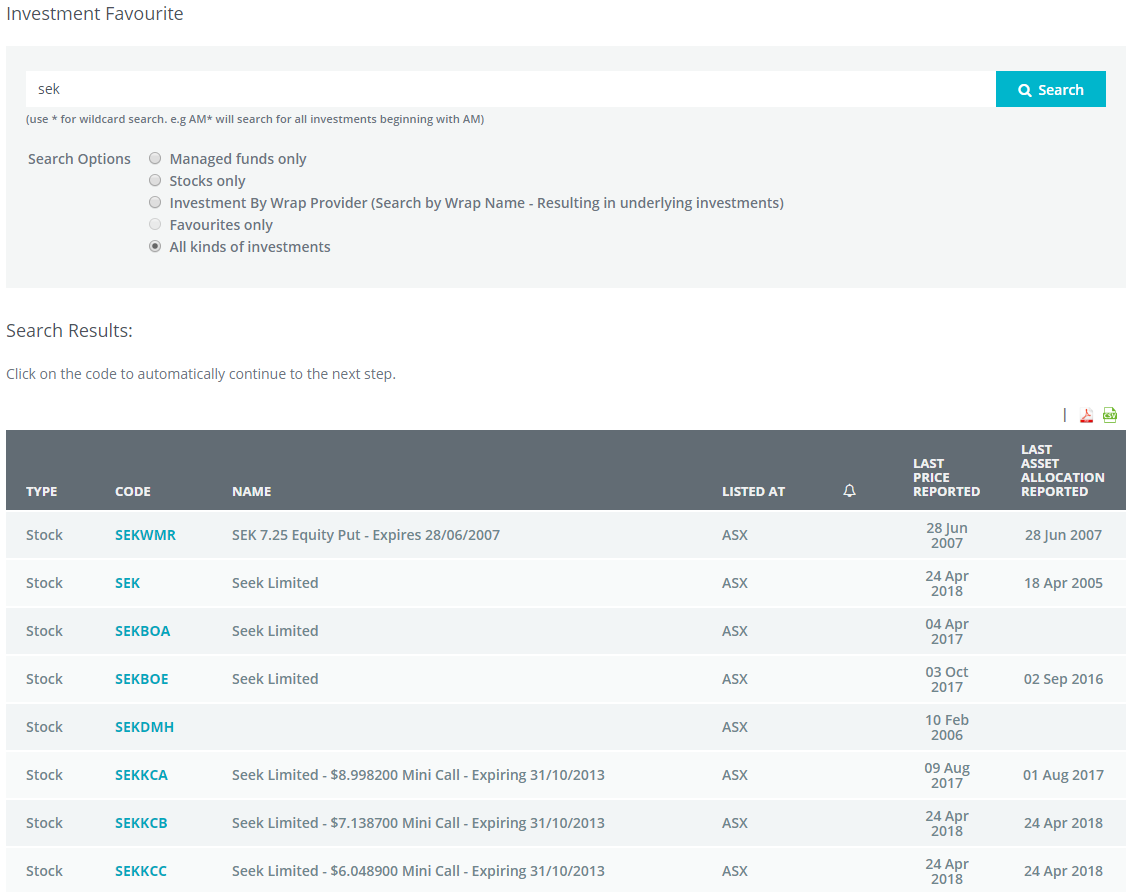
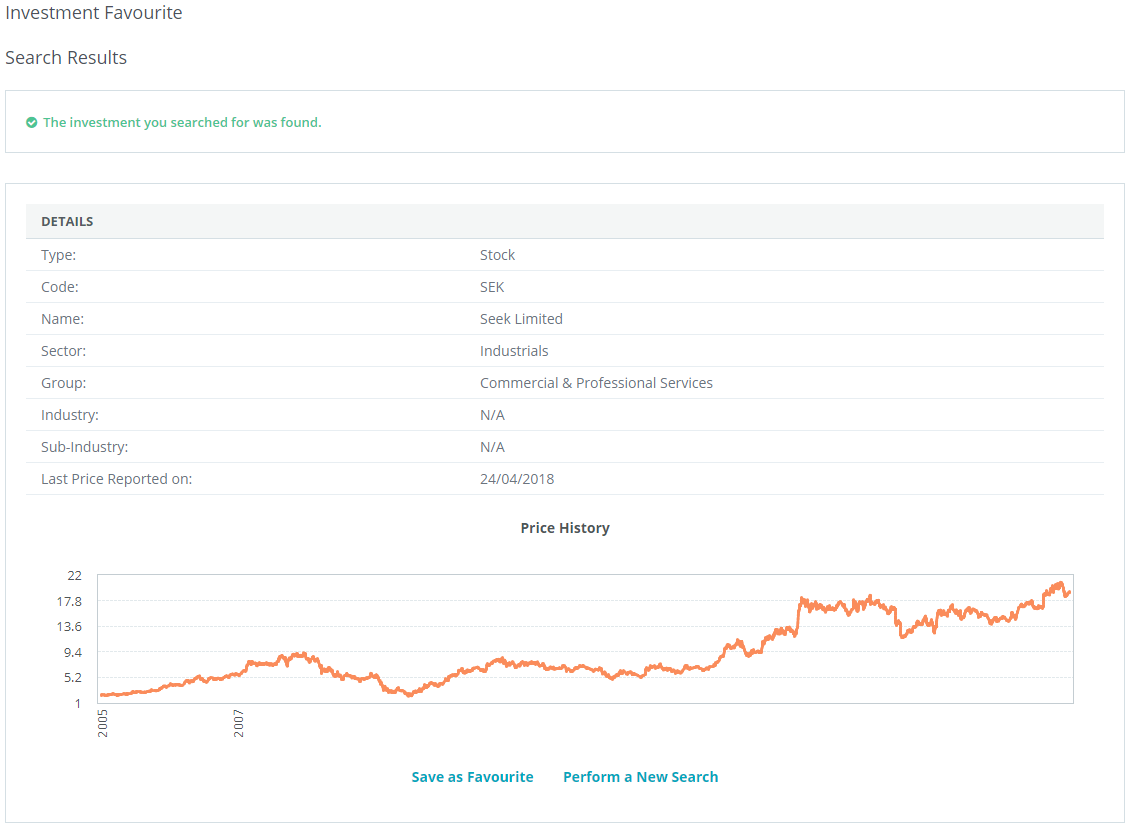
By clicking on the name or type of investment opens the final page which contains the last reported End of Day value together with a 1-3-5 year performance chart.
To add this Investment to your Favourites, simply click on the Blue Save as Favourite link.
0 Comments