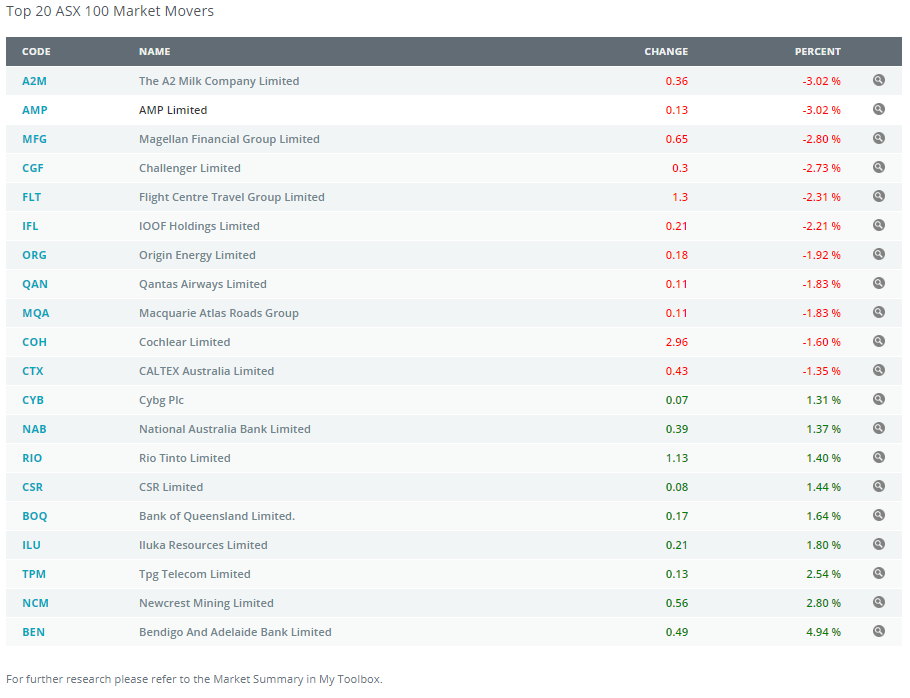
Within the system is the reporting of the Quarterly Top 100 Stocks as listed and reported by the ASX.
To access this data simply
- Click on Compare Investments
- Next client on View/Hide Brief Market Summary
- You will then see a list of the Top 100 ASX stocks that you use on your advice modelling
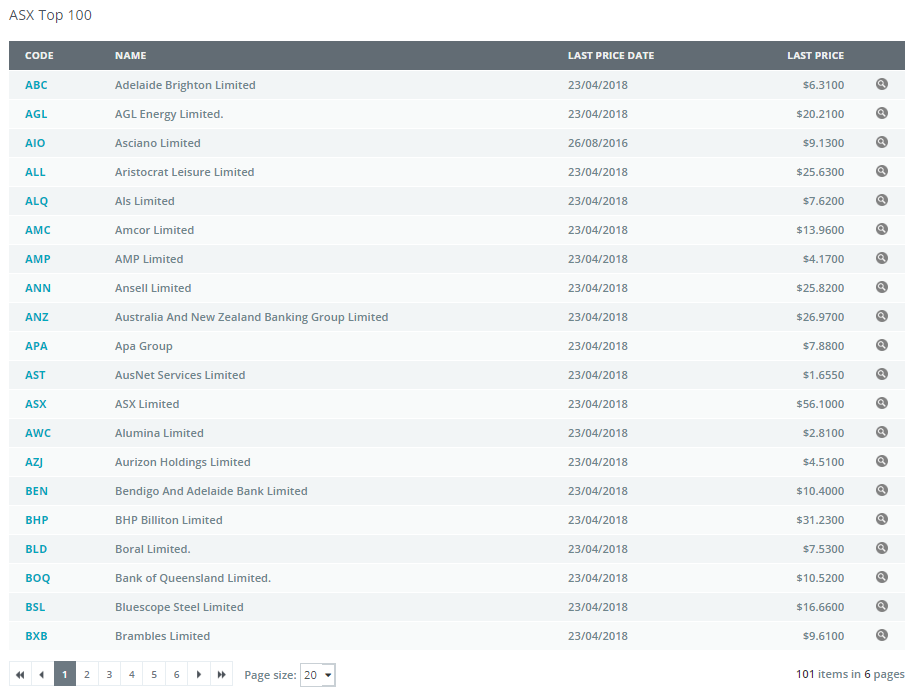
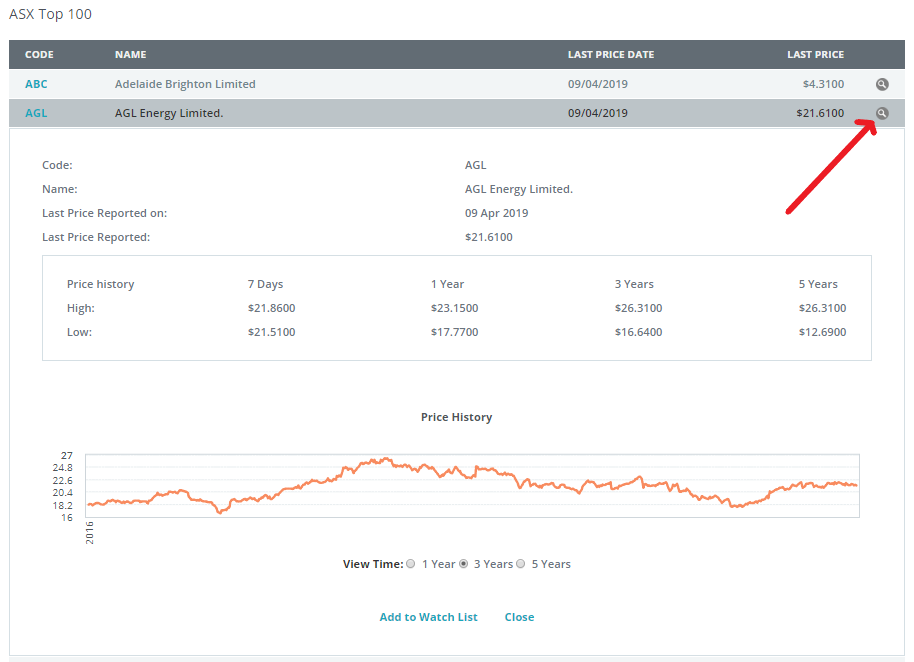
By clicking on the View ICON on the right side of the screen you can view individual stock performance
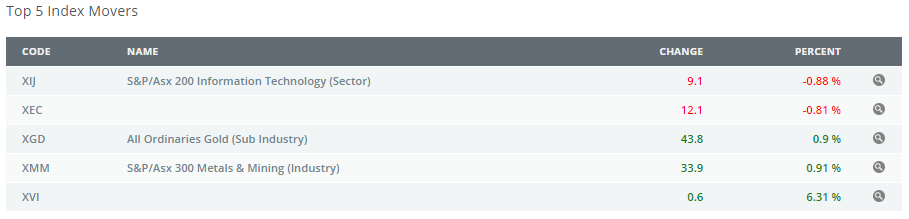
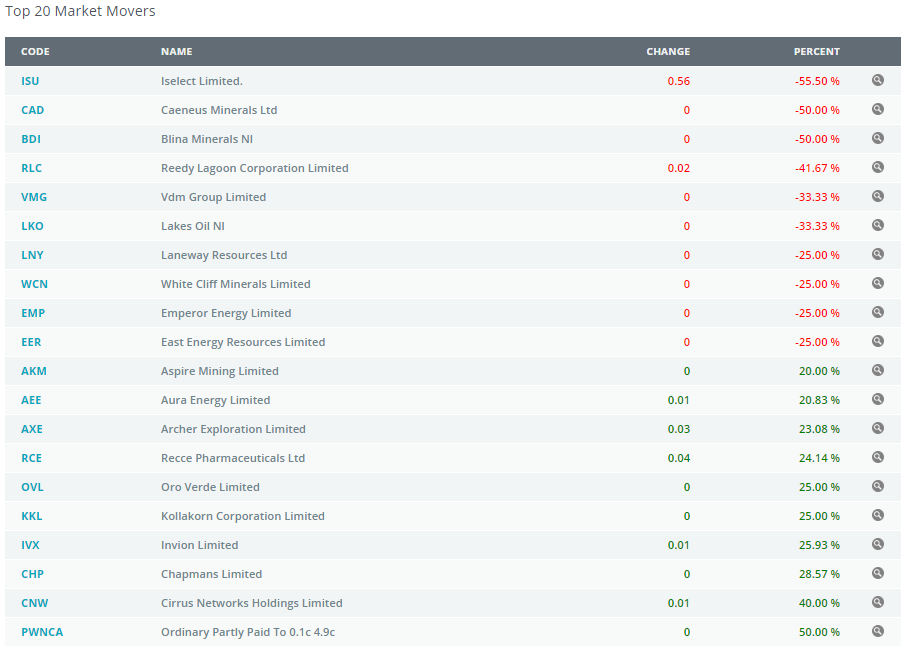
You also get access to the following :
0 Comments