At any stage during the discovery process of your client, be that when you are looking at their cash flow or examining their Investments you can elect to commence writing the SOA.
You will notice within each App their are these Tabs, each refer to creating an SOA.

Whenever you see these three (3) Tabs you are able to create an SOA statement in relation to the App you are in.
For example if you are in the Insurance section you will see these Tabs on each part of the calculator

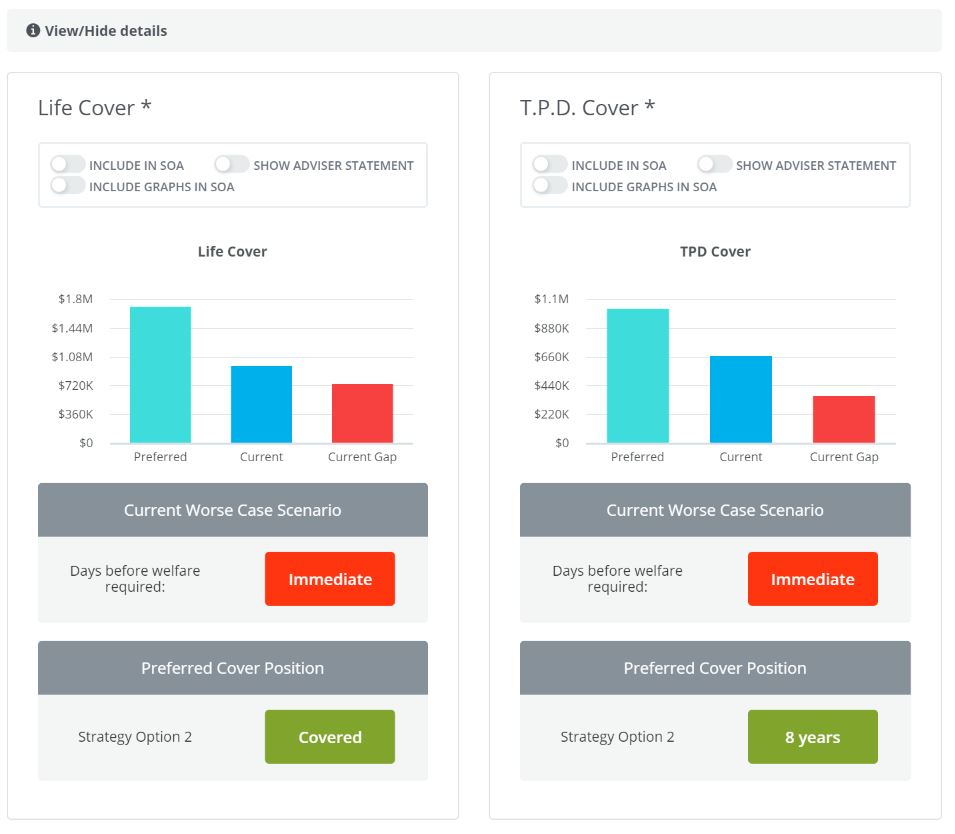
If you click on the View/Hide details you will see the option to write individual SOA statements per type of insurance cover
0 Comments