Using the Fact Finder to engage with your client
Hero uses the Express C-Fact Finder to quickly link a client's objectives and goals with the reason for advice, it does this by allowing you and your client to prioritise the importance of each event.
To start you need to click on the "Fact Finder" tab, this will take you to the Express C-Fact Finder Express option
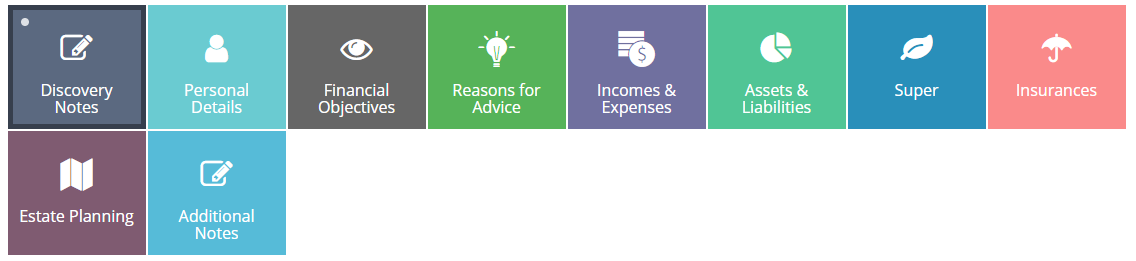
As you move across the tabs Express will automatically save any work that you have done.
Within the field box is a drop down menu
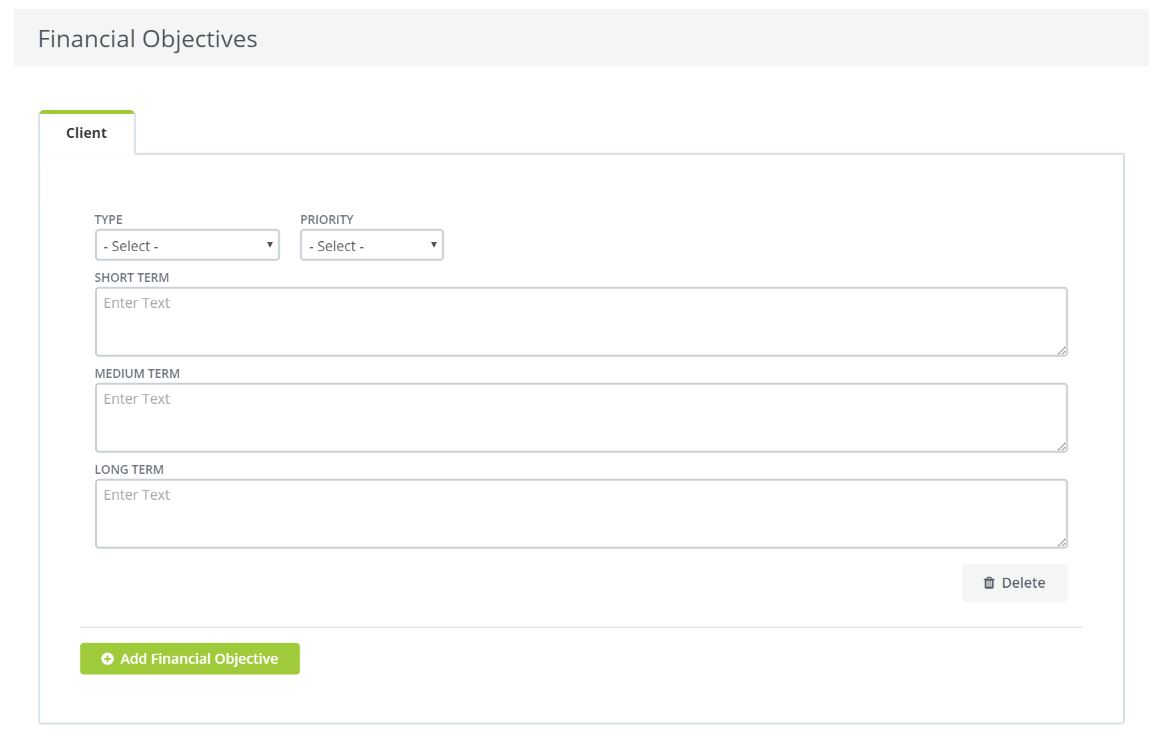
You will see that there are two tabs, "TYPE" and "PRIORITY"
"TYPE" allows you to choose between the different types of objectives your client may have.
You can select;
- Cash Flow
- Debt Management
- Estate Planning
- Investments
- Retirement
- Risk Cover
- Superannuation
You can then set the Priority for each selection either as a whole or individually using the "Priority" tab
- Low
- Medium
- High
- Extreme
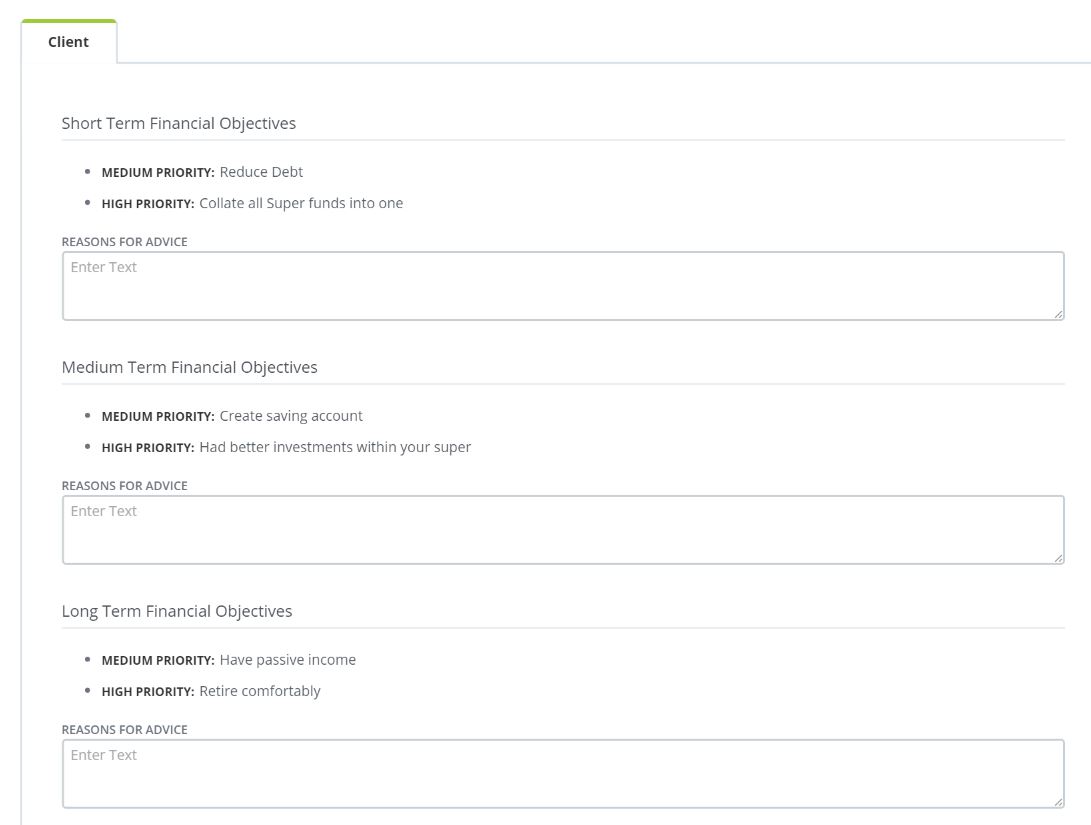
When you then click on the "Reason for Advice" tab, these details are carried through.
You will notice that each section has been grouped together in terms of short, medium and long term regardless of the subject matter and how many items you have.
Each group is then highlighted by the level of priority set by the client and adviser.
0 Comments